
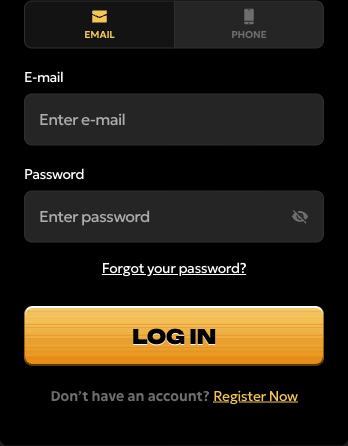
Sign in to your existing account
- Choose the sign-in option associated with your account.
- Enter your registered details and password carefully.
- Select Log In and follow any account-specific instructions shown.
Forgotten your password?
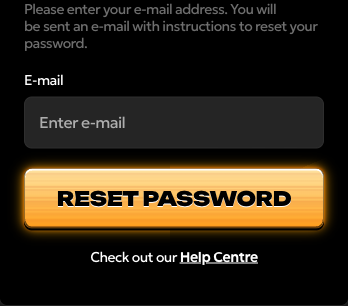
Select Forgot your password? from the login interface. The recovery form asks for your E-mail and has a Reset Password button. Enter the address linked to your account and follow the instructions sent by email.
Check your inbox and spam or junk folder. If the message does not arrive, recheck the address you entered and ask for help through the casino’s Help Centre. Do not open another account to work around lost access.
Match the problem to the next step
Scroll the table sideways to see all columns.
| Problem | What to do |
|---|---|
| Details are rejected | Check the registered email or phone option, spelling, keyboard layout and Caps Lock. Use password recovery if you cannot remember the password. |
| Reset email is missing | Check the entered address and spam folder. Contact Help Centre if you still cannot recover access. |
| Login page will not load | Check your connection, update the browser and try reopening the page. If the problem persists, note the error and device/browser details for support. |
| Account is restricted or closed | Ask support about the account status. Do not create another account or try to bypass a restriction or self-exclusion. |
Never send your password or a recovery code to someone offering to log in for you. Enter account details only in the casino’s own sign-in interface.
Signing in on your phone
Open Spinsy in your mobile browser and select Log in. If you saved a home-screen shortcut, it opens the website; use your existing account there too.
When you need account assistance
Open Help Centre in the casino for its account topics, chat or email support. Include the error message and what you have already tried. Keep passwords and payment-card security codes out of support messages.